Boris Cherny @bcherny 2026-01-31
Claude Code Skills
I'm Boris and I created Claude Code. I wanted to quickly share a few tips for using Claude Code, sourced directly from the Claude Code team. The way the team uses Claude is different than how I use it. Remember: there is no one right way to use Claude Code -- everyones' setup is different. You should experiment to see what works for you!
Boris Cherny @bcherny 2026-01-31
1. Do more in parallel
Spin up 3–5 git worktrees at once, each running its own Claude session in parallel. It's the single biggest productivity unlock, and the top tip from the team. Personally, I use multiple git checkouts, but most of the Claude Code team prefers worktrees --

Boris Cherny @bcherny 2026-01-31
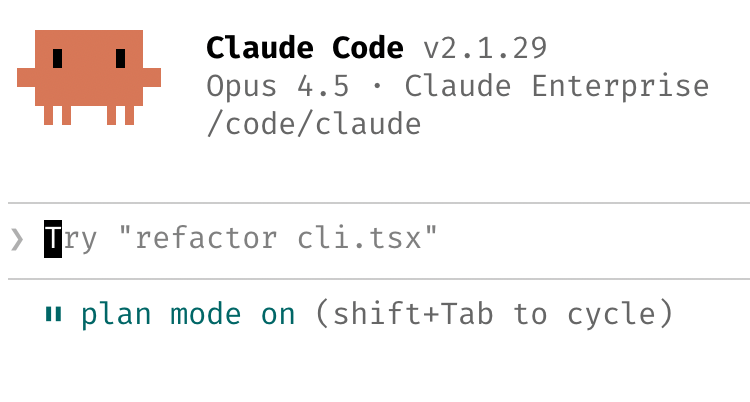
2. Start every complex task in plan mode. Pour your energy into the plan so Claude can 1-shot the implementation.
One person has one Claude write the plan, then they spin up a second Claude to review it as a staff engineer.
Another says the moment something goes sideways, they
Boris Cherny @bcherny 2026-01-31
3. Invest in your http://CLAUDE.md. After every correction, end with: "Update your http://CLAUDE.md so you don't make that mistake again." Claude is eerily good at writing rules for itself.
Ruthlessly edit your http://CLAUDE.md over time. Keep iterating

Boris Cherny @bcherny 2026-01-31
4. Create your own skills and commit them to git. Reuse across every project.
Tips from the team:
- If you do something more than once a day, turn it into a skill or command
- Build a /techdebt slash command and run it at the end of every session to find and kill duplicated code